How to Write an AGENTS.md That Improves AI Coding Output
- AI Coding Agents
- Web Development
- Developer Workflow
- Code Quality
An AI coding agent that opens a large repository with no instructions has to start from scratch in every new chat. The first result often looks fine. The component renders, the layout is close, the buttons work. Then review finds the wrong styling approach, a different state library from the one the team uses, hard-coded colours that break in dark mode, and assumptions about a design system version that do not hold. Nothing is badly broken, but every fix is a correction someone has already made before. The remedy is rarely a cleverer prompt. It is a short, maintained brief that lives in the repository.
What belongs in a repository instruction file
Many coding tools now read an AGENTS.md file at the root of a project, which makes it a sensible shared home for team conventions. Keep it plain and specific:
- Do and don't lists. Name the styling approach, the state management library, the chart library and the design tokens in use. Add the prohibitions: no hard-coded colours, no rebuilding a component that already exists.
- Commands scoped to a file. Agents know which file they just changed, so tell them how to run formatting and type checks by path instead of triggering a full build to learn about one file.
- A little project structure. Point to where routes and shared components live. Agents can search by name, so a few pointers save them from re-exploring the codebase each time.
- Good and bad examples. Name a legacy pattern to avoid and a modern file to copy. Concrete examples steer output better than abstract advice.
A short file is enough to change results noticeably. Treat it as trial and error: run a prompt, note what the output got wrong, then append a rule. If a tool generates the first draft by scanning the codebase, review it carefully. In a repository that mixes modern and legacy code, the generated rules tend to describe the legacy parts too.
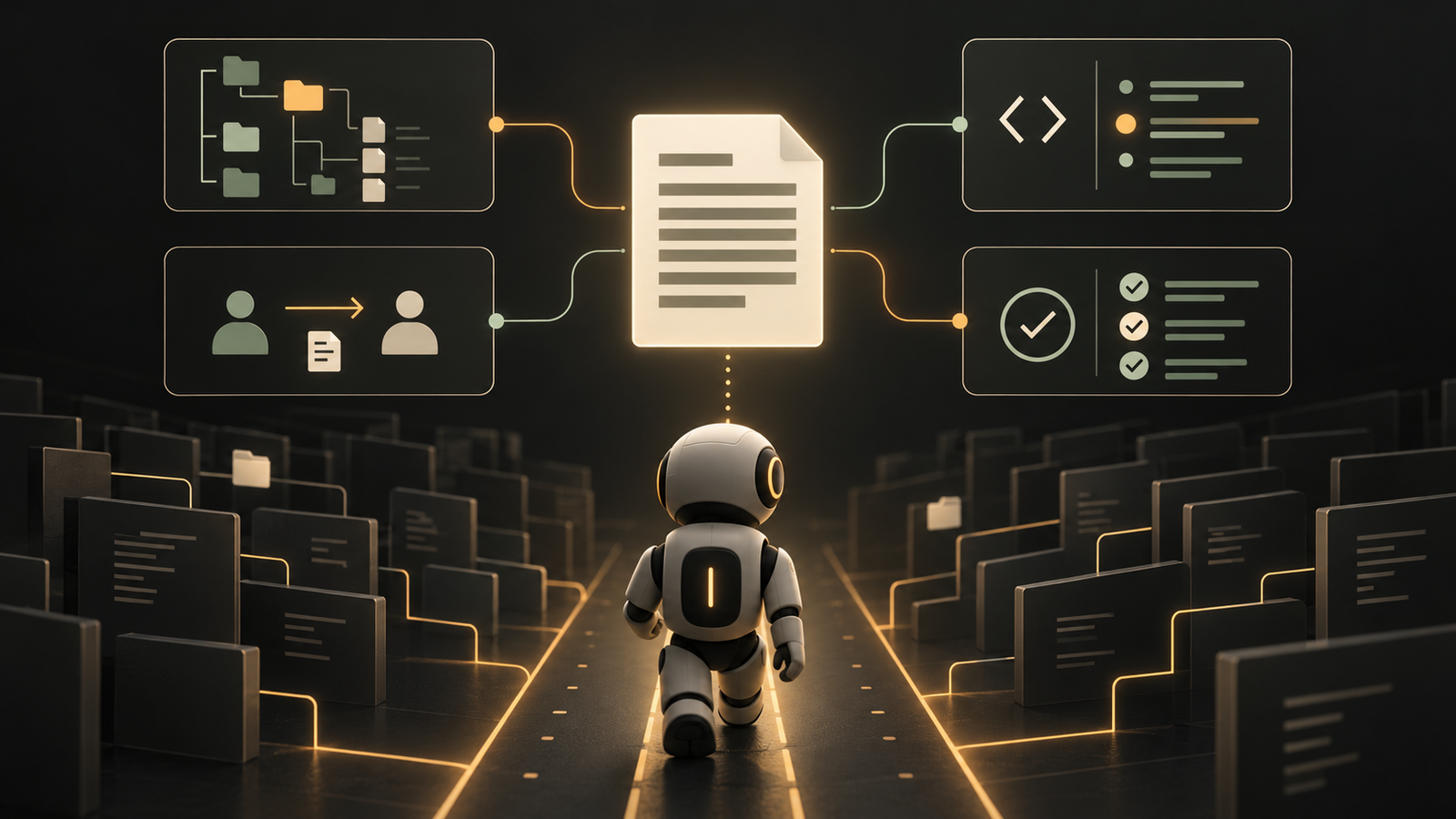
Brief each task like a handover
The quality of output tracks the quality of context. A one-line request forces the agent to guess the architecture, the stack and the styling, and guesses produce code that looks plausible but does not match what the team would write. A useful task brief has three parts:
- The task, described in as much detail as a colleague would need.
- Background material: relevant files, documentation, screenshots of the intended flow and links to references.
- A do-not section stating what must not be touched or changed, and the only files that should be modified.
Smaller tasks also produce better results. If a piece of work cannot be broken into smaller steps, the problem is probably not understood well enough yet. That is ordinary engineering discipline, and it applies just as much when an agent does the typing. Letting an agent type is reasonable. Letting it do the thinking is where quality drifts.
Give the agent a way to verify its work
An agent that only writes code cannot tell whether the code works. Give it something to check against: tests, a running app in the browser, command line checks or a CI pipeline. Tools that expose build errors, console output and network requests to the agent make this easier for web projects. If the checks themselves were generated by AI, verify that they test what they claim to test.
What this means for web teams
None of this is new. Specific requirements, small tasks, written conventions and automated checks are fundamentals of good engineering, and AI amplifies whatever habits a team already has. Good habits compound, while skipped tests and undocumented decisions scale up just as fast. The instruction file, the task brief and the verification step are cheap to write, easy to review in a pull request and worth maintaining like any other part of the codebase.
Frequently asked questions
What is an AGENTS.md file?
An AGENTS.md file is a plain Markdown file at the root of a repository that tells AI coding agents how the project works. It lists conventions such as styling and state management choices, useful commands, where key files live and examples of good and bad patterns.
What should I put in an AGENTS.md file?
Put do and don't rules, file-scoped check commands, a light project structure and good and bad file examples in it. These stop the agent from guessing your stack or re-exploring the codebase in every new chat.
How do I write a good prompt for an AI coding agent?
Write a detailed task, add background material and finish with a do-not section. The background can be files, documentation and screenshots, and the do-not section says what must not be changed.
Should I let AI generate my AGENTS.md automatically?
You can use generation for a first draft, but review it before relying on it. A tool that scans a codebase mixing modern and legacy code tends to write rules that reflect the legacy parts.
How can I check that AI-written code actually works?
Give the agent a way to verify its own work, such as tests, running the app in a browser, command line checks or a CI pipeline. If the checks were also AI-generated, confirm they test what they claim to test.
Put this into practice
Explore the services related to this article.
A short note about the product, the timeline and who it is for is enough to start. You will hear back from the engineer who would do the work, not a sales team.
Start a partnership